

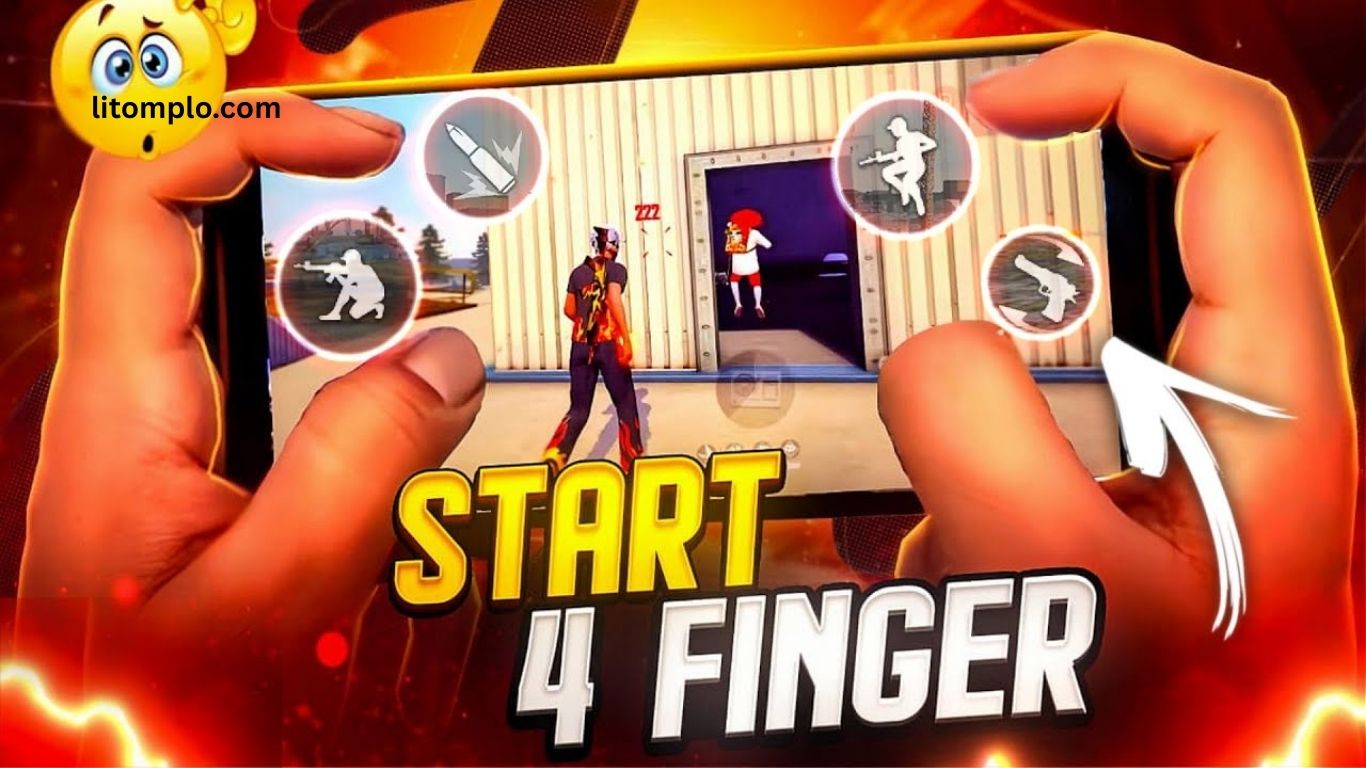
Best Four Finger Settings for Free Fire Pro Control Guide is for players who want to take their gameplay to a professional level. Four finger settings in Free Fire allow faster movement, better aim, and quicker reactions compared to two or three finger controls. With the right control layout and sensitivity, you can track enemies more accurately and gain an advantage in intense fights.
This guide will help you understand the best four finger settings, control tips, and pro player techniques to improve your overall performance. By using these optimized settings, your gameplay will become smoother, faster, and more precise, helping you win more matches and dominate the battlefield.
Why Choose Four-Finger Controls in Free Fire?
Free Fire, your control layout plays a crucial role in determining your performance. While traditional two-thumb controls may feel easy to use, they restrict your ability to aim, move, shoot, and perform actions at the same time. This limitation can cost you valuable seconds during intense combat. That’s why four-finger controls are widely used by pro and competitive players.
Using four fingers allows you to aim and fire simultaneously without interrupting movement. You can jump, crouch, reload, and shoot smoothly while keeping your crosshair locked on the enemy. This setup makes advanced techniques like jump shots, crouch firing, and fast close-combat combos much easier to execute. Most importantly, four-finger settings help reduce reaction time, improve headshot accuracy, and give you a clear edge in ranked matches.
Read More: FF Account Photo: How to Change or Remove
Setting Up Free Fire Four Finger Controls (Complete Optimization Guide)
Before applying advanced gameplay strategies, it’s essential to properly configure your Free Fire four finger controls. A well-optimized setup improves reaction speed, accuracy, and overall control. Follow this step-by-step guide to get the best results.
Enable Custom HUD
Start by activating the Custom HUD feature:
- Go to Settings → Controls → Custom HUD
- Enable it to freely customize and reposition all on-screen buttons according to your playstyle
This flexibility is the foundation of an effective four-finger layout.
Finger Placement for Maximum Control
Strategic finger positioning is key to smooth gameplay:
- Left Index Finger: Dedicated to aiming and shooting for faster fire response
- Right Thumb: Controls character movement and direction
- Right Index Finger: Manages jump, crouch, and reload actions
- Left Thumb: Used for secondary movement or utility buttons like grenades and skills
This setup allows simultaneous actions without interrupting aim or movement.
Optimize Button Size & Transparency
- Increase the shoot and aim button size for quicker taps and better accuracy
- Adjust button transparency to maintain a clear view of enemies
- Keep movement and skill buttons slightly smaller to prevent accidental presses
Best Sensitivity Settings for Four Finger Control
Sensitivity plays a crucial role in achieving accurate headshots and effective recoil control. Recommended settings:
- General: 90–100
- Red Dot: 95–100
- 2x Scope: 90
- 4x Scope: 80
- Sniper Scope: 60–70
These values may vary based on your device, screen size, and personal comfort. Fine-tune them to achieve the smoothest aim and fastest response.
Best Four-Finger Control Layout for Free Fire (Pro Player Setup)
A well-optimized four-finger control layout can give you a serious competitive advantage in Free Fire. Pro players rely on smart button placement to perform multiple actions instantly without losing focus during combat. Below is a battle-tested layout trusted by top-ranked players.
- Top Left: Jump button for quick access while moving and engaging enemies
- Bottom Left: Movement joystick for smooth and precise character control
- Top Right: Fire button positioned for fast shots and accurate headshots
- Bottom Right: Crouch and reload buttons for rapid defensive and offensive maneuvers
- Middle Right: Utility buttons such as grenades, medkits, and skills
This layout supports seamless multitasking, allowing you to jump, shoot, crouch, and move simultaneously. As a result, you gain faster reaction time, improved survivability, and better performance in high-pressure fights exactly what you need to dominate ranked matches in Free Fire.
Essential Tips to Master Four-Finger Control in Free Fire
Even with an optimized layout, mastering four-finger controls in Free Fire requires consistent practice and smart gameplay techniques. These essential tips will help you gain better control, faster reactions, and higher accuracy.
Practice Movement and Shooting Together
Begin in the training grounds to practice running, strafing, jumping, and shooting at the same time. Focus on maintaining steady aim while moving in different directions to improve headshot consistency during real matches.
Master Jump Shots Like a Pro
Jump shots are a powerful skill in close combat. Assign your index finger to the jump button so you can jump and fire instantly. This makes you harder to hit while increasing your chances of winning face-to-face fights.
Use Crouch and Prone Strategically
Crouching during gunfights can reduce damage and disrupt enemy aim. For long-range battles, use the prone position to stay hidden and improve sniper accuracy.
Improve Reload Speed
Reloading at the wrong moment can cost you the fight. Place the reload button within easy reach so you can reload quickly without losing aim or movement control.
Customize Settings for Your Device
Every device is different. Adjust button size and placement based on your screen size and hand comfort. The goal is to minimize finger movement and maximize efficiency.
With regular practice and proper customization, four-finger control can transform your gameplay and give you a true competitive edge in Free Fire.
Common Mistakes in Four-Finger Controls (And How to Avoid Them)
Even experienced players can struggle with four-finger controls in Free Fire if small details are ignored. Avoid these common mistakes to maintain smooth gameplay and consistent performance.
Overcrowding Buttons
Placing too many buttons in a single area increases the risk of accidental taps during intense fights. Spread your controls evenly across the screen and leave enough space between buttons for clean, precise inputs.
Ignoring Sensitivity Adjustments
Using high sensitivity without proper control often causes missed shots and over-aiming. Always fine-tune your sensitivity settings to match your playstyle, device, and screen size for better accuracy.
Skipping Regular Practice
Four-finger control may feel uncomfortable at first. Without daily practice, muscle memory won’t develop. Spend time in training grounds to improve coordination and reaction speed.
Using an Improper Grip
An incorrect grip can lead to hand strain and faster fatigue. Hold your device in a comfortable, balanced position that supports long gaming sessions without affecting control.
Advanced Four-Finger Techniques to Dominate Free Fire
Once you’ve mastered the basics, it’s time to unlock advanced four-finger techniques that separate casual players from pros. These skills improve survivability, reaction speed, and kill efficiency in high-pressure fights.
Strafe Shooting for Evasion
Strafe shooting allows you to dodge enemy fire while maintaining accuracy. Move left or right using your left thumb while firing with your right index finger. This constant motion makes you harder to hit and highly effective in close- to mid-range combat.
Execute Deadly Combo Maneuvers
Advanced combos like Jump + Fire + Reload can eliminate enemies before they can react. Using all four fingers simultaneously enables fast, fluid actions that overwhelm opponents and give you control of the fight.
Quick Scope Switching
Fast scope switching is crucial in dynamic battles. Place the scope change button within easy reach so you can instantly switch between red dot, 2x, or 4x scopes without breaking your aim or movement.
Grenade Throws During Combat
Throwing grenades mid-fight adds explosive pressure. Use a secondary finger to deploy grenades while continuing to aim and shoot. Perfect timing and positioning are key—practice in different combat scenarios for maximum impact.
Benefits of Using Four-Finger Controls in Free Fire
Switching to four-finger controls offers a range of advantages that can elevate your gameplay to a pro level:
Faster Reaction Time
Perform multiple actions simultaneously—moving, aiming, shooting, and reloading—reducing your vulnerability in intense battles.
Improved Accuracy
By freeing your thumbs from handling multiple functions, you gain better aim control and higher precision, resulting in more consistent headshots.
Enhanced Mobility
Seamlessly move, jump, crouch, and shoot without losing focus, making your character more agile and harder to target.
Access to Advanced Gameplay Strategies
Four-finger controls unlock the ability to execute complex combos and pro-level techniques, giving you a strategic edge over opponents.
Devices and Accessories That Enhance Four-Finger Gameplay
Using the right device and accessories can significantly improve your four-finger control performance in Free Fire, giving you a competitive edge.
Gaming Phones
Phones with high refresh rates (120Hz or higher) ensure smoother visuals, reduced input lag, and faster response times, making every movement and shot more precise.
Trigger Attachments
Physical trigger attachments replicate a four-finger setup on smaller or crowded screens, allowing you to perform complex actions comfortably and efficiently.
High-Sensitivity Screens
Devices with responsive touchscreens provide better control over rapid movements, aiming, and shooting, ensuring smoother gameplay during intense battles.
Frequently Asked Questions
What are four-finger controls in Free Fire?
Four-finger controls use both thumbs and index fingers to operate multiple on-screen buttons simultaneously, allowing faster movement, shooting, and skill execution.
Why should I switch from two-thumb to four-finger controls?
Four-finger controls improve reaction time, accuracy, and mobility, enabling advanced gameplay techniques that are difficult with traditional two-thumb setups.
Do I need a special device for four-finger controls?
Not necessarily, but gaming phones with high refresh rates, trigger attachments, or highly responsive touchscreens can enhance performance and comfort.
How long does it take to get used to four-finger controls?
It varies, but with daily practice in training grounds, most players adapt within a few days to a couple of weeks.
Can I use four-finger controls on small screens?
Yes, but you may need to adjust button size and placement carefully or use trigger attachments to prevent accidental presses.
Do four-finger controls guarantee better gameplay?
They don’t automatically make you a pro, but they provide the tools for faster, more precise, and advanced gameplay. Skill, practice, and strategy still matter.
Conclusion
Mastering four-finger controls in Free Fire can completely transform your gameplay. From faster reaction times and improved accuracy to smoother mobility and access to advanced combat techniques, this setup gives you a significant competitive edge over traditional two-thumb controls.
Coupled with the right device, sensitivity settings, and consistent practice, four-finger controls enable you to perform pro-level maneuvers, execute deadly combos, and survive intense battles with confidence. Whether you’re aiming to climb the ranks or dominate in matches, adopting and mastering four-finger settings is essential for any serious Free Fire player looking to elevate their performance.
