

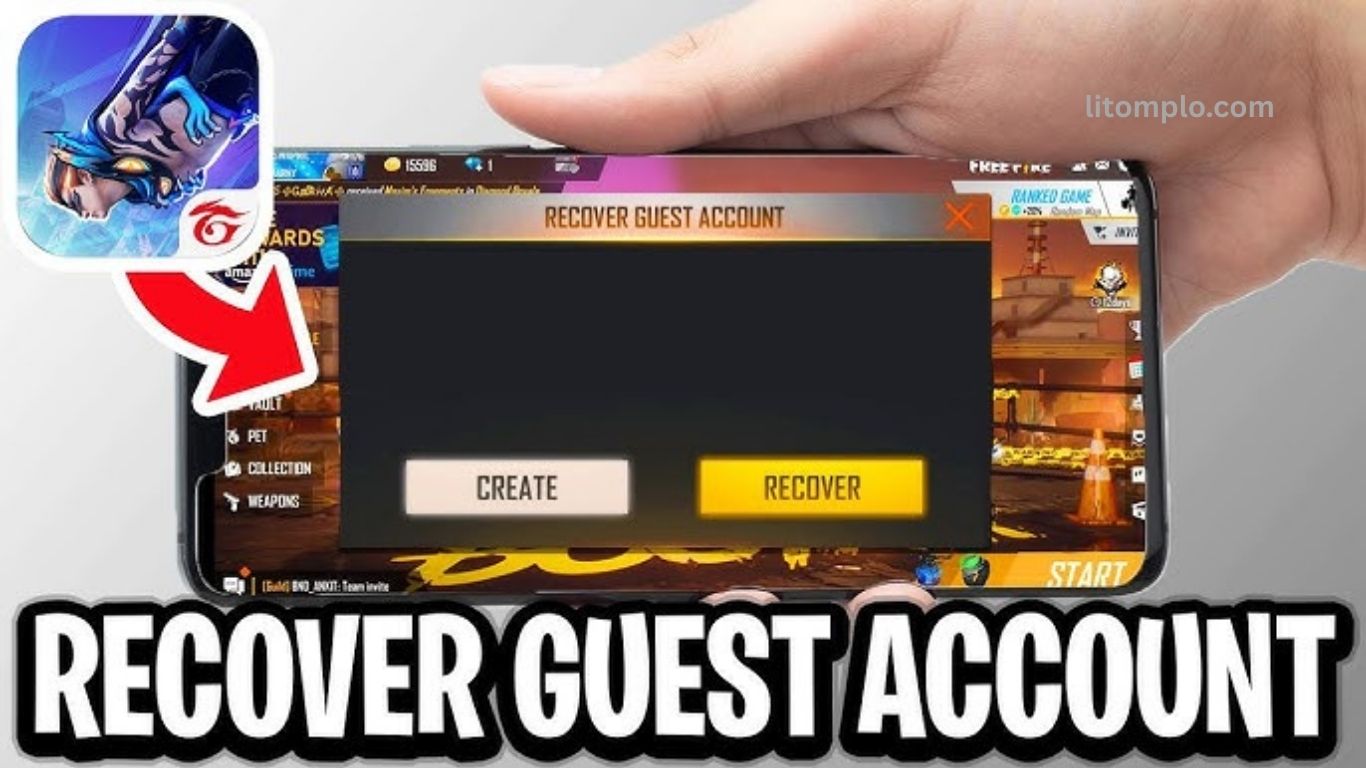
Losing access to your Free Fire (FF) guest account can be frustrating, especially if you’ve invested time in leveling up and collecting rewards. Fortunately, recovering your FF guest account is easier than you might think. This complete guide walks you through the process step by step, ensuring you regain access quickly and securely.
From verifying your device information to troubleshooting common login issues, we cover everything you need to know. Whether you’re a casual player or a dedicated gamer, these tips will help you restore your account without losing progress. Follow this guide carefully, and get back to your Free Fire adventures in no time, enjoying your hard-earned rewards and achievements.
Read More: Free Fire Account Issues After Facebook Deactivation
Understanding FF Guest Accounts
FF guest accounts are temporary profiles that let you play Free Fire instantly without linking social media or email. While convenient, they have some limitations and risks:
- No automatic backup: progress can be lost if the app is uninstalled.
- Device-specific: difficult to transfer between devices.
- Vulnerable to loss: resetting your device or reinstalling the game can erase the account.
Knowing these limitations helps players take proactive steps for recovery and protect their progress effectively.
Common Reasons for FF Guest Account Loss
Players can lose their FF guest accounts due to several common scenarios:
- Reinstalling the Free Fire app: can erase unlinked accounts.
- Switching devices without linking the account: progress may not transfer.
- Accidental deletion of game data: can lead to permanent loss.
- Corrupted game files: may prevent account access.
- System updates overwriting app data: can reset account progress.
Being aware of these causes helps players avoid mistakes and improves the chances of successful account recovery.
Importance of Recovering Your FF Guest Account
Recovering your FF guest account is essential to protect your progress and investments:
- Preserve progress and levels: keep your hard-earned achievements.
- Retrieve purchased items and skins: avoid losing in-game purchases.
- Secure in-game currency: coins and diamonds remain safe.
- Save time and effort: skip rebuilding your account from scratch.
Following a structured recovery process ensures you regain access quickly and continue enjoying the game without setbacks.
Step-by-Step Guide to Recover Your FF Guest Account
Step 1: Check Device and App Version
Make sure your device supports the latest Free Fire version. Update the app via:
- Android: Google Play Store
- iOS: App Store
Outdated versions can prevent server connection and guest account verification.
Step 2: Access the Game Login Page
Open Free Fire and go to the login screen. Avoid creating a new account to prevent overwriting guest data.
Step 3: Retrieve Guest Account ID
Locate your guest account ID from:
- Game settings (if noted)
- Device storage or cache
- Screenshots or backup logs
This ID is crucial for faster recovery.
Step 4: Contact Garena Support
Use official support channels:
- Email: [email protected]
- In-app chat
- Website support form
Clearly mention you’re recovering a guest account.
Step 5: Provide Required Details
Submit accurate information:
- Guest account ID
- Last login date/time
- Device used
- Level or in-game items
- Screenshots (if available)
Correct details speed up the process.
Step 6: Verify Identity
Follow any additional verification steps Garena requests to confirm ownership and prevent unauthorized access.
Step 7: Recover and Link Account
Once verified, link your guest account to:
- VK or Apple ID
This ensures security and prevents future account loss.
Frequently Asked Questions
What is an FF guest account?
An FF guest account is a temporary profile that allows you to play Free Fire without linking social media or email. It offers instant access but lacks automatic backup and transfer options.
Why did I lose my FF guest account?
Common causes include reinstalling the app, switching devices without linking the account, accidental data deletion, corrupted game files, or system updates overwriting app data.
Can I recover a guest account without the Guest ID?
Recovery is possible but slower. Providing the Guest ID speeds up verification and ensures accurate account restoration.
How do I contact Garena for recovery?
Use official channels: email [email protected]
, in-app support chat, or the website support form, clearly stating you want to recover a guest account.
What details are required for account recovery?
Provide your Guest ID, last login date, device info, level or items, and screenshots if available. Accurate info improves recovery chances.
Can I link my recovered guest account to social media?
Yes. Once verified, you can link it to Facebook, Google, VK, or Apple ID to secure your account and prevent future loss.
How long does guest account recovery take?
Recovery time varies depending on verification, but providing accurate details typically speeds up the process to a few days.
How can I prevent losing my guest account in the future?
Always link your guest account to a social media or email account, keep backups of important data, and avoid uninstalling or switching devices without linking.
Conclusion
Recovering your FF guest account ensures that all your progress, items, and achievements remain safe. By following the step-by-step process checking your app, retrieving your Guest ID, contacting Garena support, and linking your account to a social platform you can restore access quickly and securely.
Understanding the common reasons for account loss and taking preventive measures helps avoid future setbacks. With the right approach, you can enjoy Free Fire without the stress of losing your hard-earned progress, making recovery simple and reliable.
