

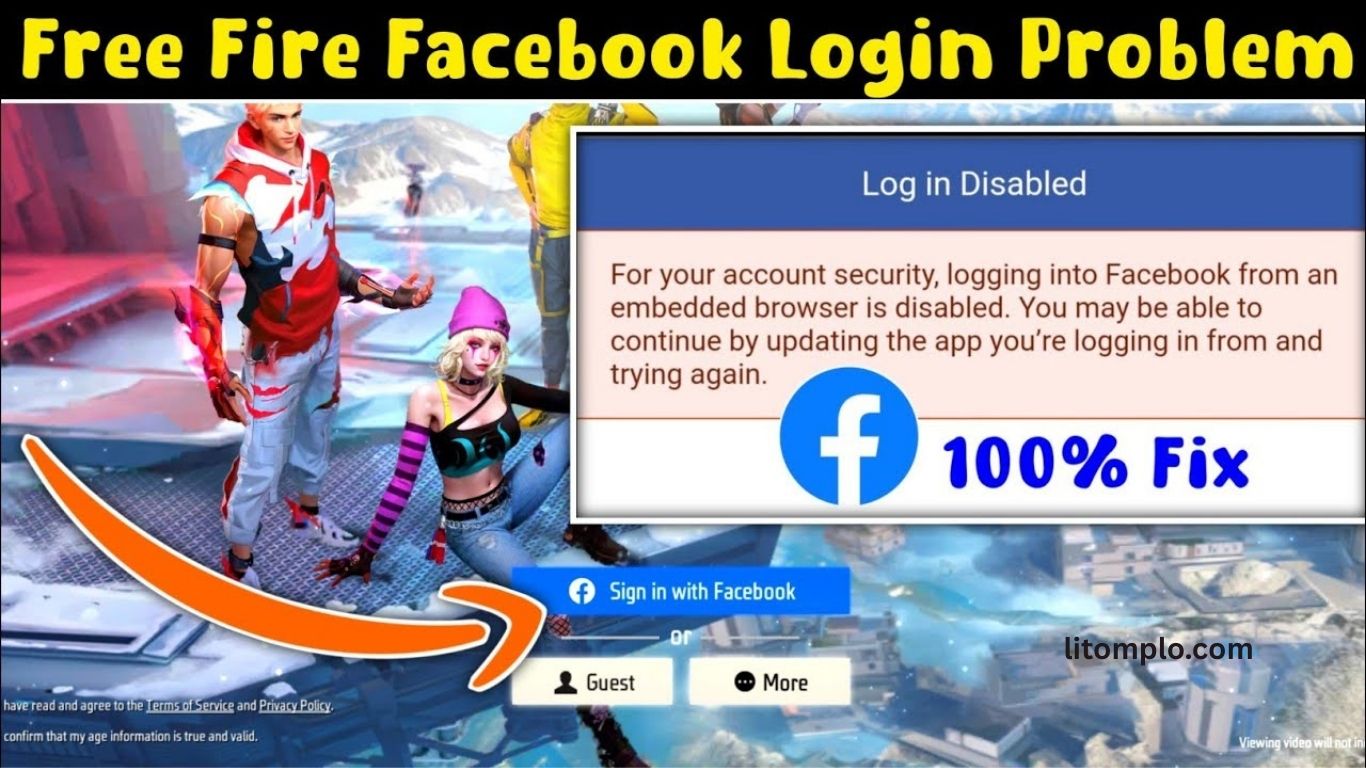
Free Fire account issues often arise when players deactivate their linked Facebook account without understanding the consequences. Since Facebook is a common login method for Free Fire, deactivation can block access, reset progress visibility, or prevent account recovery. Many players suddenly face login errors, missing data, or failed authentication after disabling Facebook.
These problems can be frustrating, especially for users who have invested time, money, and effort into the game. Understanding how Facebook deactivation affects Free Fire accounts is essential to avoid permanent loss or complications. This guide explains the most common issues players experience, why they happen, and what steps can help protect or recover a Free Fire account after Facebook deactivation.
Read More: Shirou in Free Fire: Skills, Abilities & Expert Tips
Understanding Facebook Account Deactivation
Facebook account deactivation temporarily disables user access while keeping all data stored for future reactivation. Unlike permanent deletion, deactivation allows users to restore their account at any time. This action may occur due to policy violations, security issues, or personal choice.
Once deactivated, Facebook blocks login access, which directly affects apps and games connected to the account. For games like Free Fire that rely on Facebook for authentication, this data link becomes critical. Loss of access can trigger login errors, sync problems, or account recovery issues, making it essential to understand how deactivation impacts linked gaming accounts.
The Relationship Between Facebook and Free Fire Accounts
Linking a Free Fire account with Facebook provides convenience and security for players:
- Secure Progress Storage: Saves all game data, including skins, diamonds, and achievements.
- Quick Login Access: Removes the need to manage separate Free Fire credentials.
- Social Interaction: Helps players connect with friends, join squads, and share achievements.
However, this connection also creates dependency. When a Facebook account is deactivated, Free Fire access can be disrupted. Players may face login errors and risk losing access to in-game assets if recovery steps are not taken in time.
Reasons Why Facebook Accounts Get Deactivated
Facebook accounts can be deactivated for several reasons:
- Policy Violations: Sharing offensive content, spamming, or breaking Facebook rules.
- Suspicious Activity: Logging in from unusual locations or multiple devices.
- User Choice: Voluntary temporary deactivation by the account owner.
- Security Threats: Hacking attempts or account compromise.
Identifying the exact reason for deactivation is essential to effectively resolve issues with linked Free Fire accounts.
Impact of Facebook Deactivation on Linked Free Fire Accounts
Deactivating a Facebook account can directly affect Free Fire gameplay:
- Login Issues: Players cannot access Free Fire through the linked Facebook account.
- Temporary Loss of Rewards: In-game rewards tied to Facebook may become inaccessible.
- Account Recovery Challenges: Recovering a linked Free Fire account can be difficult without following proper steps.
How to Recover or Transfer Your Free Fire Account
Option 1: Reactivate Your Facebook Account
If the deactivation is temporary, simply reactivating your Facebook account will restore access to Free Fire.
Option 2: Contact Customer Support
Garena Free Fire’s support team can help recover your account if you provide:
- Registered username
- Player ID
- Linked email or phone number
Option 3: Link to an Alternative Login
Free Fire allows accounts to connect with Google, VK, or Apple ID. Switching to an alternative login reduces dependency on Facebook and prevents future access issues.
Using Alternative Login Options
For better security and uninterrupted gameplay, linking Free Fire to multiple platforms is recommended:
- Google Account: Ensures easy recovery and keeps all game progress safe.
- VK Account: Offers similar functionality to Facebook, popular in specific regions.
- Apple ID: Allows iOS users to secure their Free Fire account with Apple credentials.
This approach reduces dependence on a single platform and protects your account from access issues.
Tips to Prevent Free Fire Account Loss
- Regularly Backup Your Account: Link multiple login options for added security.
- Enable Two-Factor Authentication: Protect both Facebook and Free Fire accounts from unauthorized access.
- Follow Community Guidelines: Avoid policy violations that could lead to account deactivation.
- Keep Contact Information Updated: Ensure your email and phone number are current to simplify account recovery.
These steps help safeguard your Free Fire account and prevent potential loss of progress or in-game assets.
Frequently Asked Questions
What happens to my Free Fire account if my Facebook is deactivated?
You may face login issues, temporary loss of rewards, and difficulty recovering the account without proper steps.
Can I recover my Free Fire account after Facebook deactivation?
Yes, by reactivating Facebook, contacting Garena support, or linking the account to an alternative login.
Which alternative logins can I use for Free Fire?
Free Fire supports Google, VK, and Apple ID for account login and recovery.
Does deactivating Facebook delete my Free Fire progress?
No, your progress is saved, but access may be blocked until recovery steps are taken.
How can I prevent losing my Free Fire account in the future?
Use multiple logins, enable two-factor authentication, follow guidelines, and keep contact info updated.
Why does Facebook deactivate accounts?
Accounts may be deactivated due to policy violations, suspicious activity, security threats, or voluntary user choice.
Will linking multiple platforms affect my Free Fire progress?
No, linking accounts ensures safer access and does not impact existing game data.
Conclusion
Linking your Free Fire account to Facebook offers convenience and security, but it also creates dependency. Deactivating Facebook can lead to login issues, temporary loss of rewards, and challenges in account recovery. To avoid disruptions, players should consider alternative login options like Google, VK, or Apple ID, enable two-factor authentication, and keep contact information updated. Understanding the reasons behind Facebook deactivation and taking proactive steps ensures that your Free Fire progress and in-game assets remain safe. By following these best practices, gamers can enjoy uninterrupted gameplay and protect their accounts from potential access issues.
