

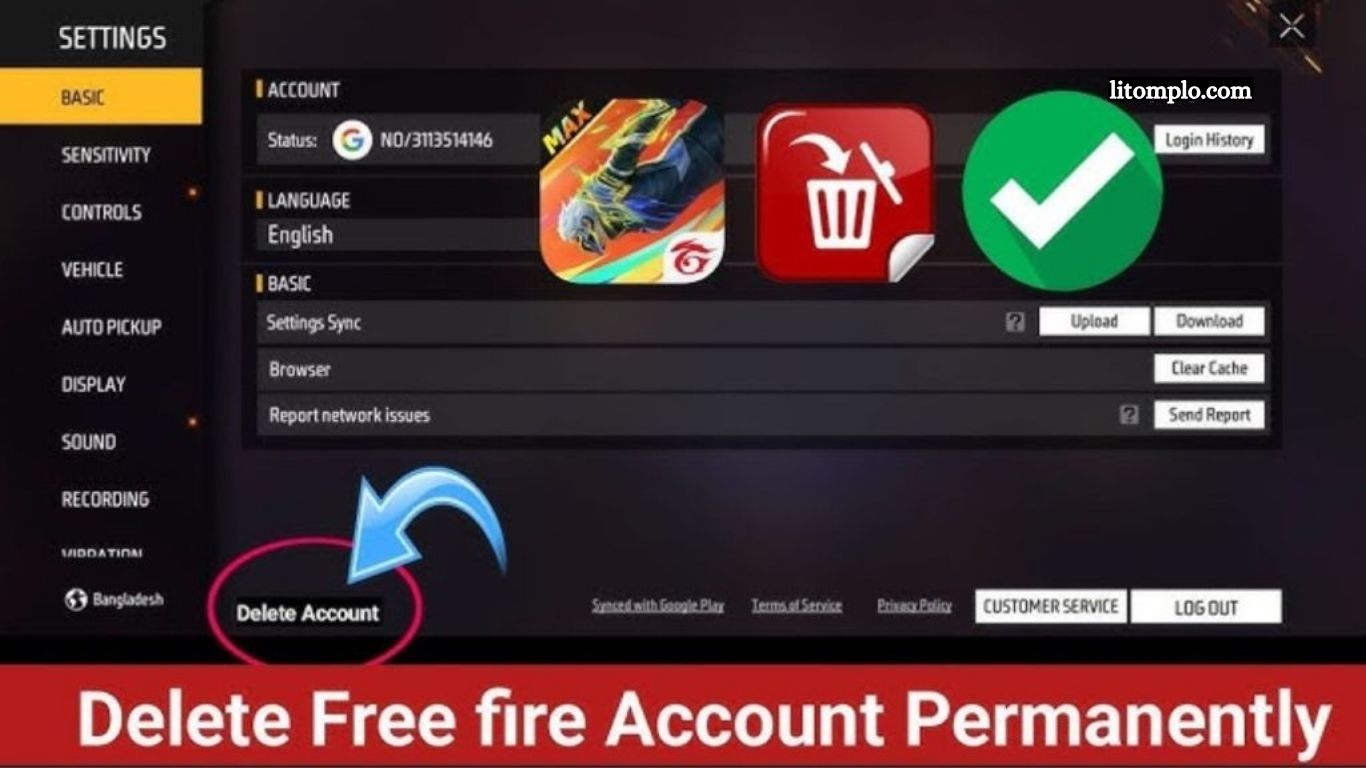
Free Fire has become one of the most popular mobile battle royale games globally, attracting millions of players with its fast-paced gameplay, exciting events, and customizable characters. While the game is highly engaging, there are times when players decide to delete their Free Fire account permanently. The reasons vary from concerns over privacy and data security to wanting a fresh start or simply taking a break from gaming.
Before taking this irreversible step, it’s important to understand the consequences. Deleting your account means losing all in-game progress, characters, skins, and any purchases made with real money. Linked accounts, such as those connected through Facebook, Google, or VK, will also lose their data. Ensuring you are fully aware of these factors will help you make a well-informed decision.
This guide provides a clear, step-by-step walkthrough for permanently deleting your Free Fire account. Additionally, it covers common issues players may encounter, alternatives to permanent deletion, and tips to protect your data, ensuring a smooth and informed account removal process.
Reasons to Delete Your Free Fire Account
- Parental Control: Parents may delete accounts for children spending excessive time gaming.
- Privacy Concerns: Some players prefer not to leave personal data on gaming servers.
- Starting Fresh: Gamers may want a new account to restart their progress.
- Inactivity: Accounts no longer in use can be removed to declutter your digital footprint.
Read More: Top Free Fire Custom Skins to Upgrade Your Account
What to Know Before Deleting Your Free Fire Account
- In-Game Purchases: Any purchases made with real money cannot be recovered. Refunds are not available, so consider carefully.
- Loss of Progress: Deleting your account permanently removes all in-game progress, skins, and characters. Make sure you’re ready to lose your achievements.
- Linked Accounts: Accounts connected to Facebook, Google, or VK will also lose their data. Check which accounts are linked before proceeding.
Guide to Delete Your Free Fire Account
Backup Your Data (Optional)
Record your account details or progress if you might start fresh later.
Open Free Fire and Access Settings
Launch the game and tap the gear icon in the top-right corner.
Go to Account Settings
Select Account Settings to view all linked accounts (Facebook, Google, VK, etc.).
Request Account Deletion
Scroll to Delete Account or Request Account Deletion and tap to start the process.
Verify Your Identity
Confirm your identity using your linked email, phone, or social media account.
Confirm Deletion
Tap Confirm Deletion. Your account will be scheduled for permanent removal.
How Long Does Free Fire Account Deletion Take?
The permanent deletion process can take 7–30 days depending on Garena’s verification. During this period, your account may be temporarily deactivated but not fully removed.
Common Issues and Fixes
- Delete Option Not Visible: Update the game to the latest version.
- Verification Failure: Ensure you can access your linked email or phone number.
- Deletion Not Completed: Contact Garena Support if the account remains after 30 days.
Alternatives to Deleting Your Account
- Create a New Account: Start fresh while keeping your original account intact.
- Temporary Deactivation: Pause gaming without losing progress.
Frequently Asked Questions
Can I recover my account after deletion?
No, permanent deletion is irreversible.
How long does deletion take?
It typically takes 7–30 days depending on Garena’s verification.
Will my in-game purchases be refunded?
No, all purchases are non-refundable.
Do linked accounts lose progress too?
Yes, Facebook, Google, or VK-linked accounts will also lose data.
Can I temporarily deactivate instead?
Yes, you can take a break without losing progress.
Why can’t I see the delete option?
Ensure your game is updated to the latest version.
Who do I contact if deletion fails?
Reach out to Garena Support for assistance.
Conclusion
Permanently deleting your Free Fire account is a straightforward process when you follow the right steps. Remember to consider account progress, linked accounts, and in-game purchases before proceeding. If you’re unsure, temporary deactivation or creating a new account are viable alternatives. By understanding the process and potential consequences, you can make an informed decision and manage your Free Fire account with confidence.
