

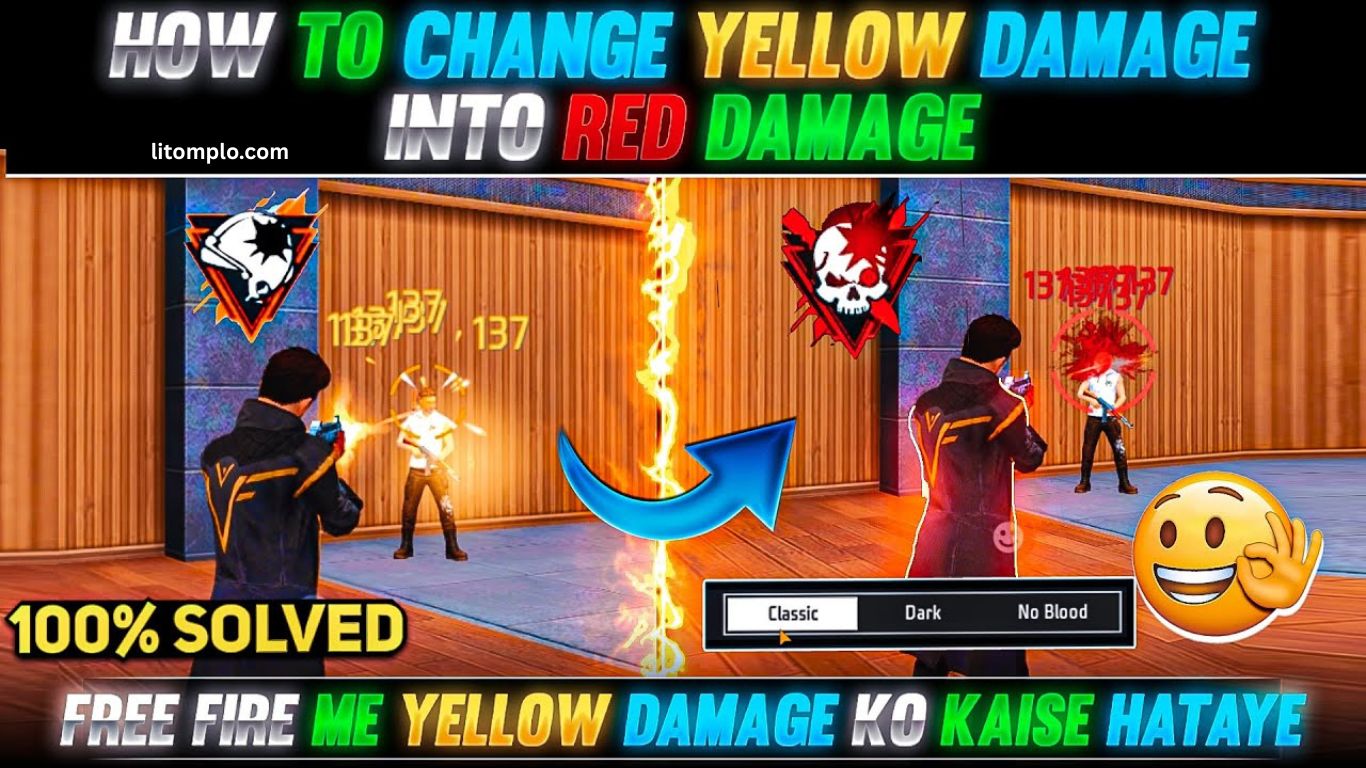
Free Fire players love exploring creative ways to customize their gameplay, and one trending style is turning everything red. This bold aesthetic not only gives your game a fiery look but also makes you stand out in battles.
To start, make sure your device supports custom overlays or rooting, since some changes require system-level access. Download a trusted red skin pack or configuration file from the Free Fire community, then use tools like ZArchiver to replace game textures with red-themed versions.
Finally, adjust your graphics to “Ultra” in settings for the best visuals, and equip red outfits, gun skins, and backgrounds. Iconic items like the Red Criminal Bundle and red emotes can further amplify your look.
What Does “Turn Everything Red” Mean in Free Fire?
“Turn Everything Red” in Free Fire means customizing the game so characters, weapons, backgrounds, and menus appear in bold red. Players achieve this look by using red skins, outfits, weapon finishes, or unofficial configuration files.
The trend gained popularity because red conveys an aggressive, standout vibe during battles. Many players equip bundles like the Red Criminal or pair red outfits with themed emotes for a complete style.
Some also apply full red overlays with modded files or config packs, but these methods are unofficial and carry risks. Garena does not support them, and misuse could result in account suspension.
Read More: There Are Free Fire Clothing Giveaways
Why Players Choose the Red Theme in Free Fire
The red theme has become a top choice in Free Fire, blending style with psychological impact. Here’s why it’s so popular:
- Striking Visuals: Red stands out in every environment, making players look bold, stylish, and harder to ignore.
- Symbol of Power: Linked to strength, danger, and energy, red boosts confidence and aggression in battles.
- Rare Skins: Iconic items like the Red Criminal Bundle make the theme highly desirable among collectors.
- Trending Style: Popularized by influencers, YouTubers, and social media, the red theme keeps players in sync with current trends.
- Unique Identity: Turning everything red gives players a distinctive look, helping them stand apart from default designs.
Best Red-Themed Bundles and Skins in Free Fire
Red-themed bundles and skins are some of the most striking cosmetics in Free Fire, giving players a bold look and standout presence in battles. Here are the top picks:
- Red Criminal Bundle: One of the rarest and most iconic sets, featuring a full red outfit with a masked face and glowing effects.
- Cobra Rage Bundle: A fierce red-and-black serpent design from the Cobra Event, popular for its aggressive style.
- Hip Hop Set (Red Variant): A limited red recolor of the classic Hip Hop Bundle, adding street-style flair.
- Red Samurai Bundle: Traditional warrior-inspired armor with a fiery red finish for a powerful appearance.
- Flame Draco AK47 (Red): An evolved AK47 skin with fiery effects, boosted damage, and faster reload.
- Red Accessories: Complete the theme with matching red emotes or flame-inspired backpacks for a full aesthetic.
How to Make Your Free Fire Interface & Skins Completely Red
Turning everything red in Free Fire is a trending way to give your gameplay a bold, standout style. From outfits to weapons and profiles, here’s how to achieve the full red theme safely.
Use Red-Themed Bundles & Skins
Free Fire often releases limited bundles with fiery designs. Top picks include:
- Red Criminal Bundle
- Red Samurai Bundle
- Flame Draco AK Skin
- Red Angelic Pants (when available)
Check the store, Luck Royale, and special events to unlock these items.
Apply Red Weapon Skins
Build a complete red loadout with skins such as:
- Flame Draco AK
- Red Neon Scar
- Ruby M1014
These appear in Weapon Royale or limited events.
Equip Red Loadout Items
Match your look with red parachutes, surfboards, backpacks, and loot boxes. Examples: Red Skull Backpack, Flame Parachute, and Red Surfboard.
Customize HUD & Profile
- While Free Fire doesn’t allow HUD color changes, you can:
- Use in-game themes, red avatars, and banners.
- Set red profile frames or guild flags for consistency.
- Add Red Pets & Emotes
Complete the vibe with pets like Dreki (red variant) or emotes such as Dragon Fist featuring fiery effects.
Important Warning
Avoid using modded APKs or config files to force a red overlay. These violate Garena’s rules, risk permanent bans, and may expose you to malware.
Stay tuned to events and Elite Pass updates new red-themed cosmetics appear regularly, and joining them is the safest way to expand your collection.
Frequently Asked Questions
What does “turn everything red” in Free Fire mean?
It refers to customizing your gameplay with red-themed outfits, skins, weapons, and interface elements for a bold visual style.
How can I get the Red Criminal Bundle in Free Fire?
The Red Criminal Bundle is a rare item that usually returns through special events or Luck Royale. Keep an eye on official event updates.
Is it safe to use config files or mod APKs for the red theme?
No. Using third-party files or mods violates Garena’s policies, risks permanent bans, and may expose your device to malware.
Can I change my Free Fire HUD color to red?
The game doesn’t allow direct HUD color changes. However, you can match the theme with red avatars, banners, and profile frames.
What are the best red weapon skins in Free Fire?
Popular red skins include the Flame Draco AK, Red Neon Scar, and Ruby M1014. These are often available in Weapon Royale or events.
Which red loadout items should I equip for a full theme?
Look for items like the Red Skull Backpack, Flame Parachute, and Red Surfboard to match your character and weapons.
How do I stay updated on new red skins and bundles?
Follow Free Fire’s official social pages, check in-game events, and join Elite Pass seasons for the latest red-themed cosmetics.
Conclusion
Turning everything red in Free Fire is more than just a style choice it’s a way to stand out, boost confidence, and create a unique in-game identity. From rare bundles like the Red Criminal to fiery weapon skins and red accessories, players have plenty of safe options to achieve the look. Avoid risky mods or unofficial files, and instead focus on official events, Luck Royale, and Elite Pass rewards.
